



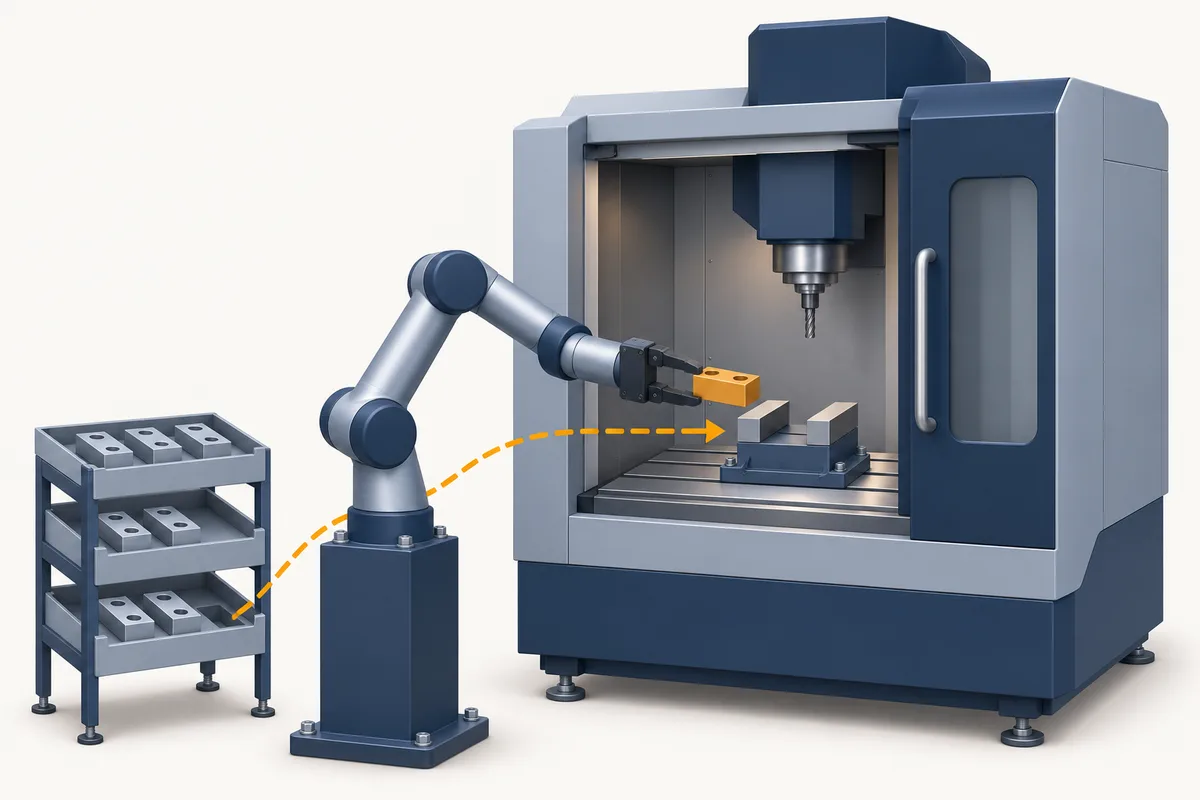
Loading Cell
One cobot arm beside one machine, with part trays. Suits many part types in small batches.
Software and robots for machining shops: plan and price jobs from the drawing, program the lathe, and let robots load the machines. Machining lessons are free for everyone.
Each product works on its own. Used together, they share one record of the part, from the drawing to the finished piece.
The drawing or model goes to Workspace. Its route and operations go to CNC Programming, which sends the approved program to the machines. Robots load and unload the machines, which turn out finished parts. Actual hours go back to Workspace to improve estimates. The Knowledge base explains the methods behind every step.
Plan and price machining jobs from the drawing, then compare the hours you actually ran with the estimate.
Upload a drawing or model. See the dimensions, tolerances and material Workspace can read, where each value came from, and which points you still need to check.
Open Workspace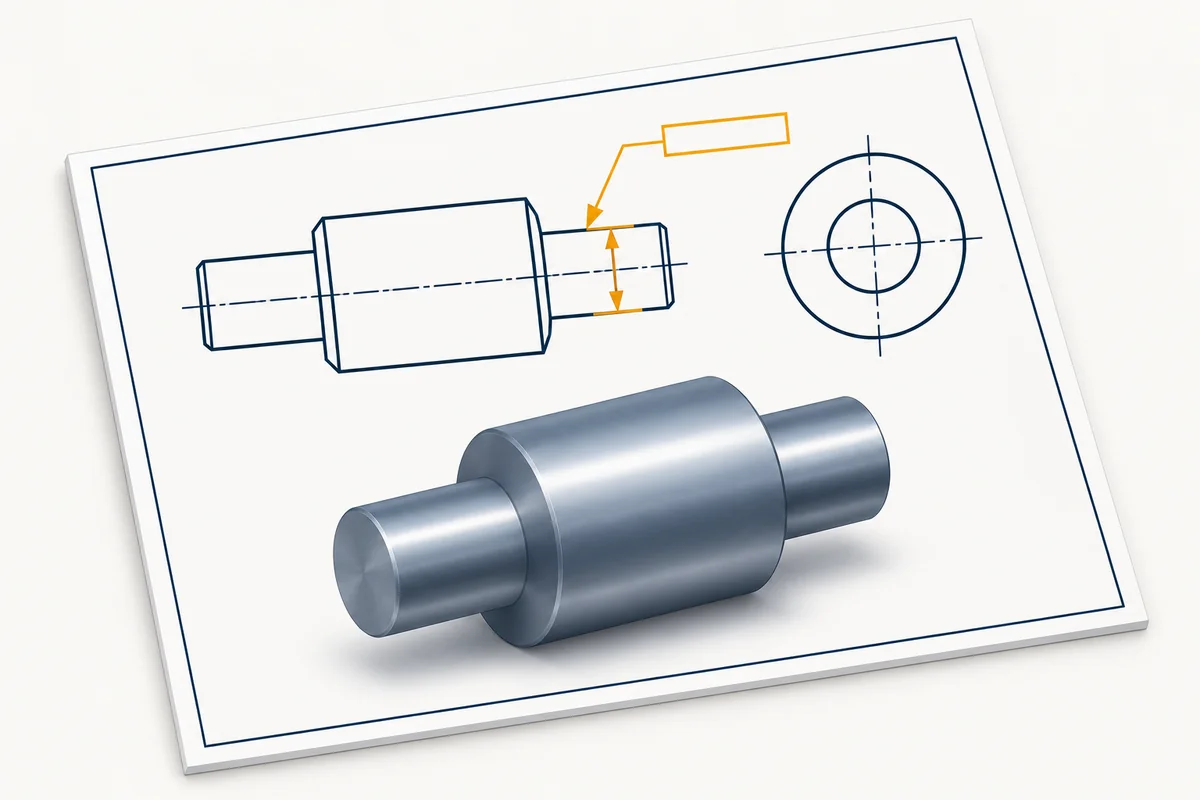

See the work in order, the machine for each operation, and the set-up and run times. Approve the route to print the route sheet and traveller.
Open Workspace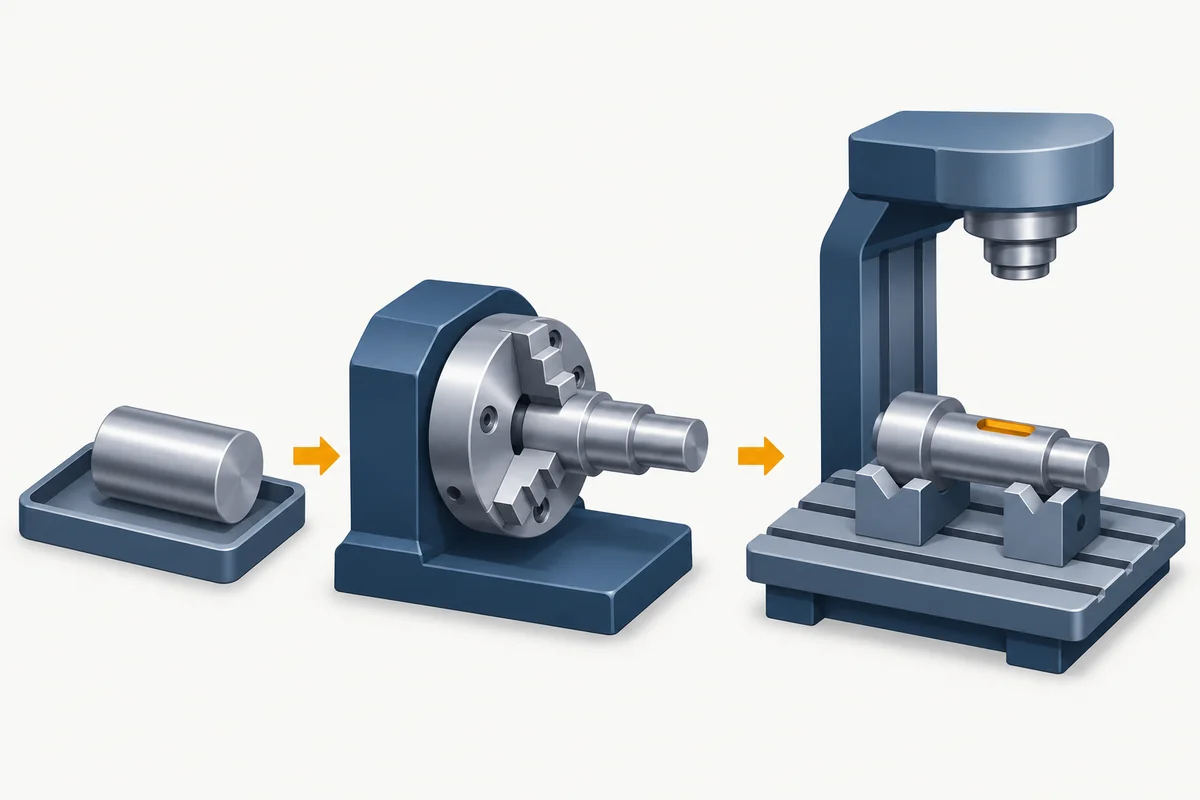

Compare the cost per piece at different batch sizes and see how each line was calculated. The verdict tells you what to review before you use the estimate.
Open Workspace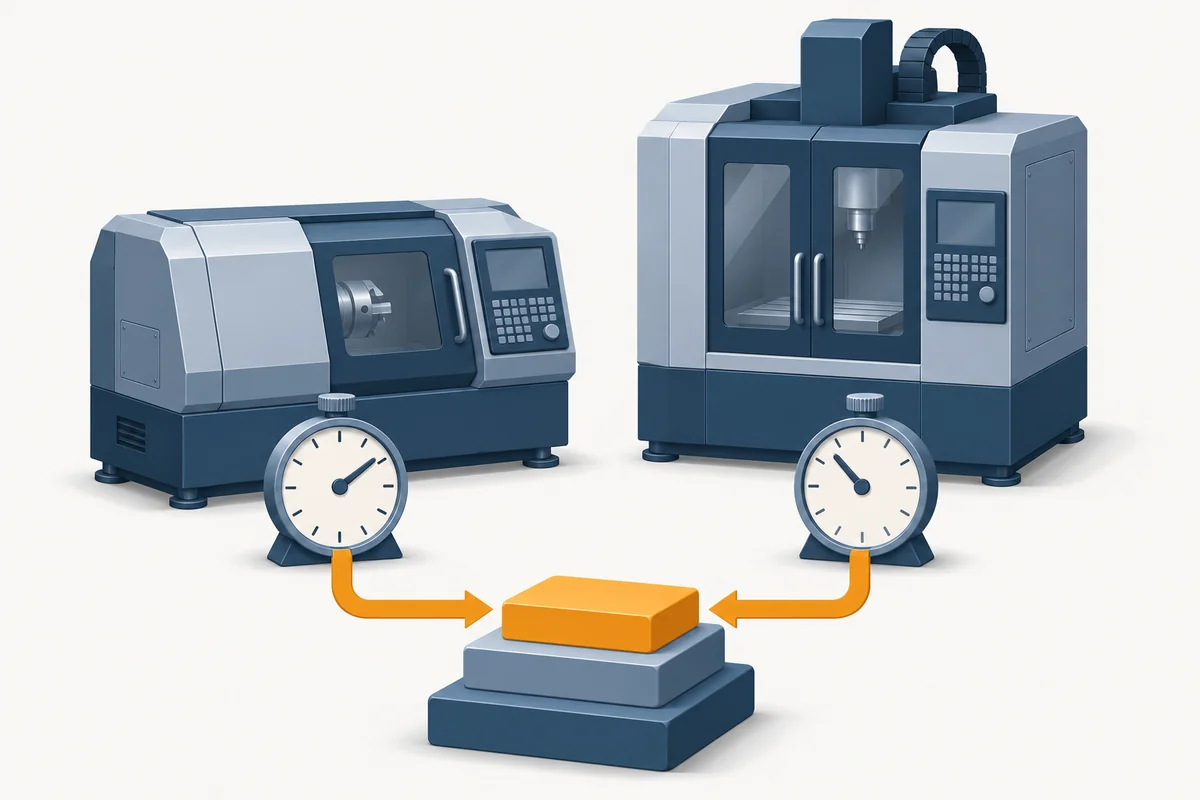

Mark a part as made and enter the batch’s set-up and run hours and where they came from. In Past parts, compare the recorded hours with the estimate.
Open Workspace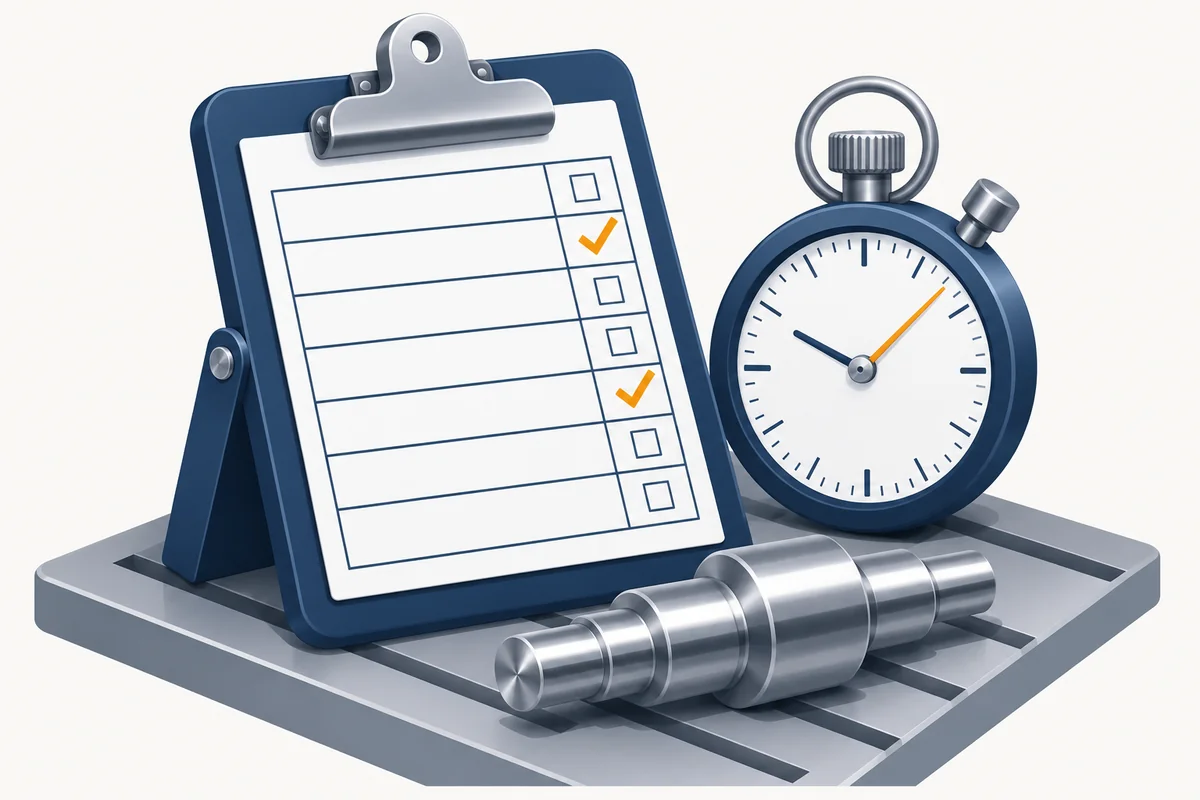

Paste a machine list and check it before adding the machines. Find machines by model or type of work, and confirm the starting hourly rates or enter your own.
Open Workspace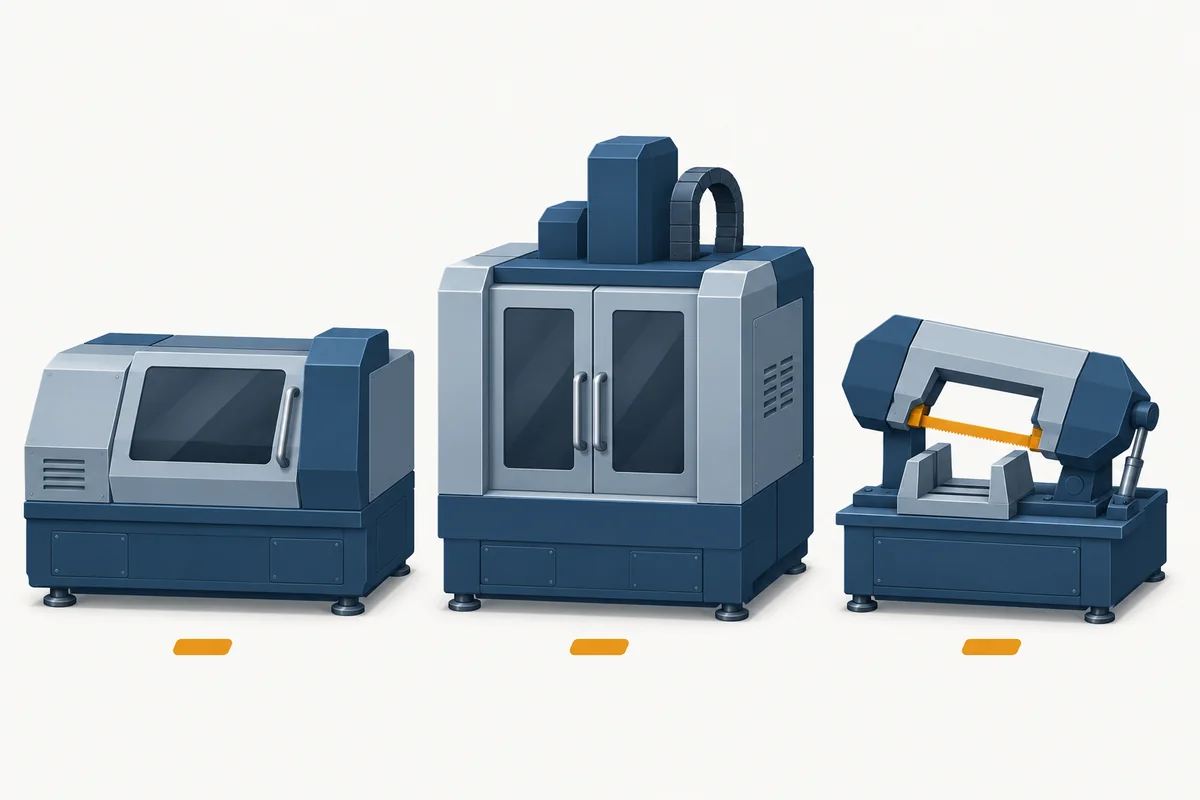

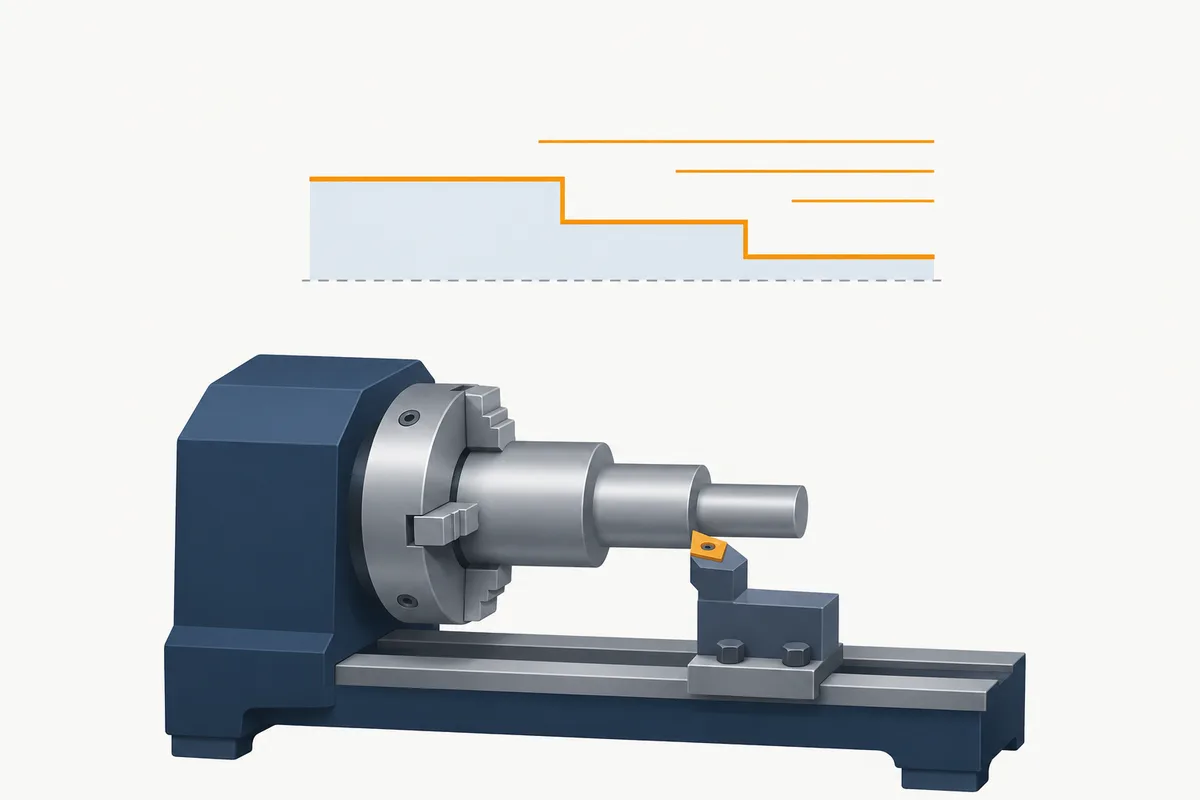
Turn the part profile into a lathe program. Ask for changes in shop words, by voice or typing, and watch the toolpath and cycle time update. Only programs that pass the checks and that you approve go to the machine.
Robots that load and unload your machines, chosen to fit your parts. Send us your machines and parts and we will configure one for your shop.
One cobot arm beside one machine, with part trays. Suits many part types in small batches.
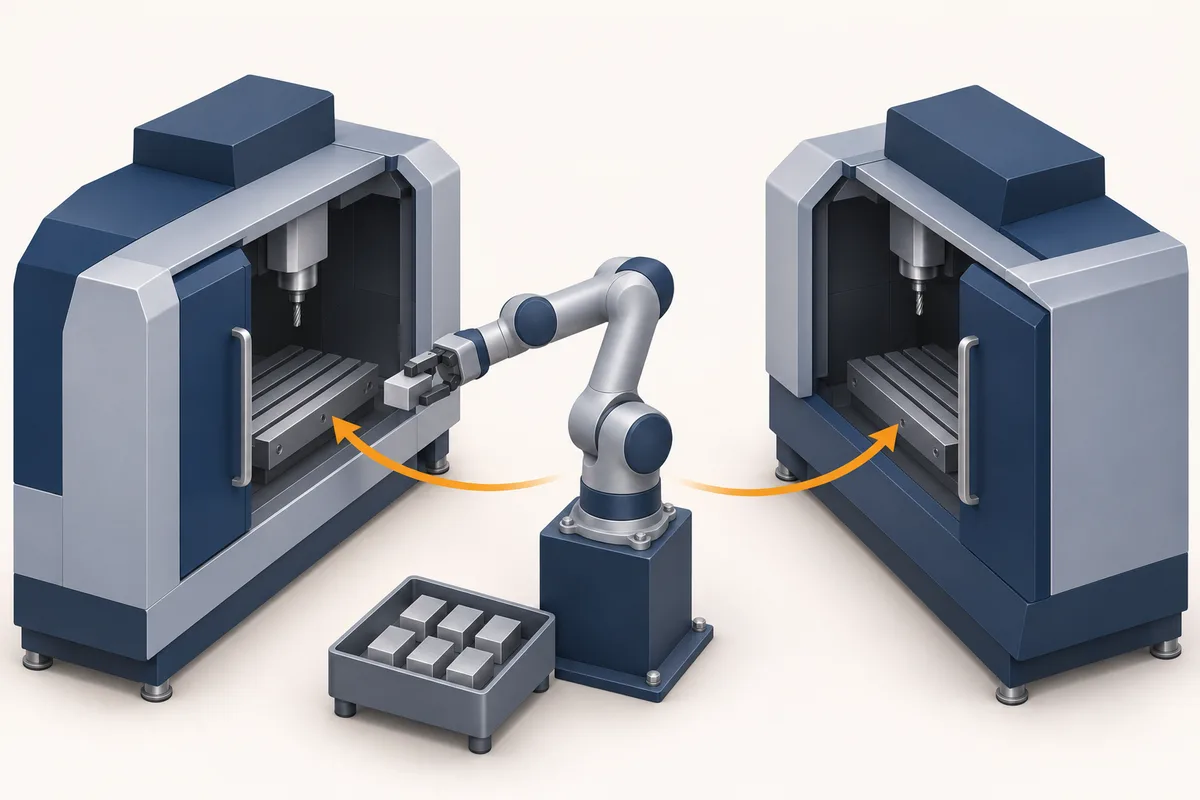
One arm serves two machines set facing each other, so each machine costs less to automate.
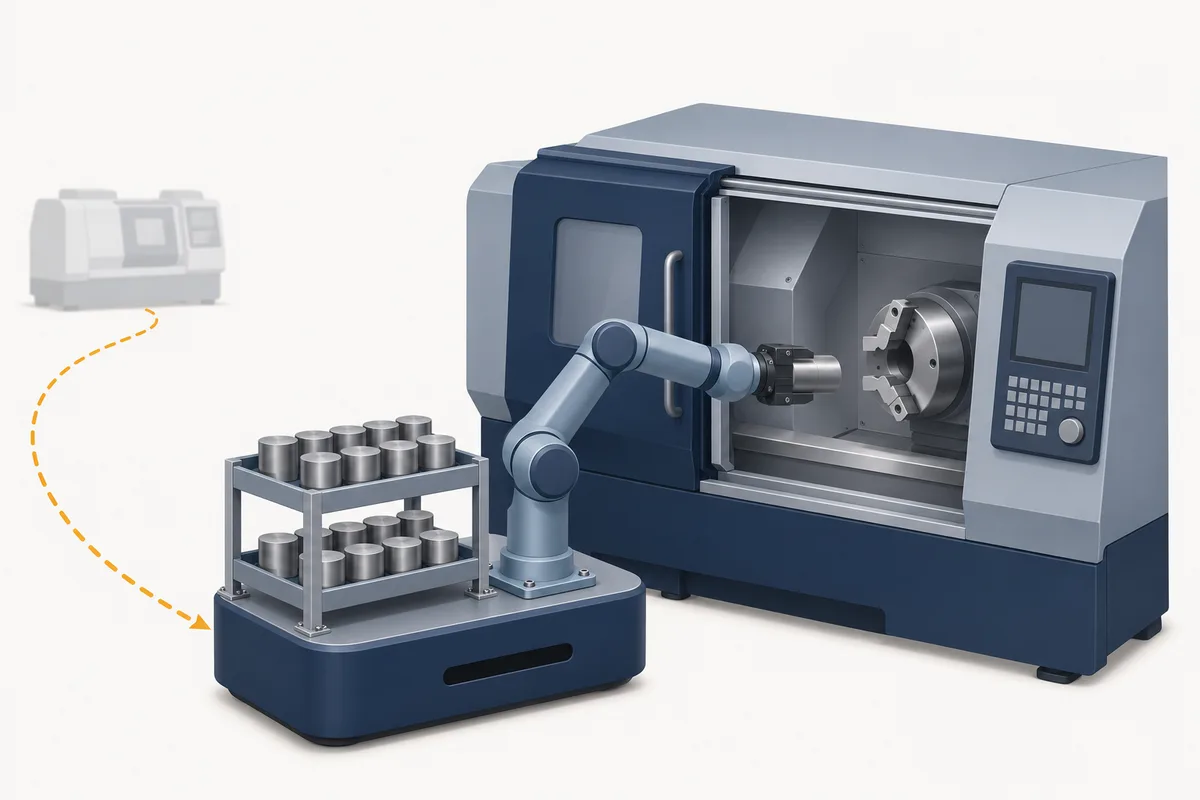
A cobot arm on a self-driving base. It moves between machines, carries parts between operations and keeps the night shift running.
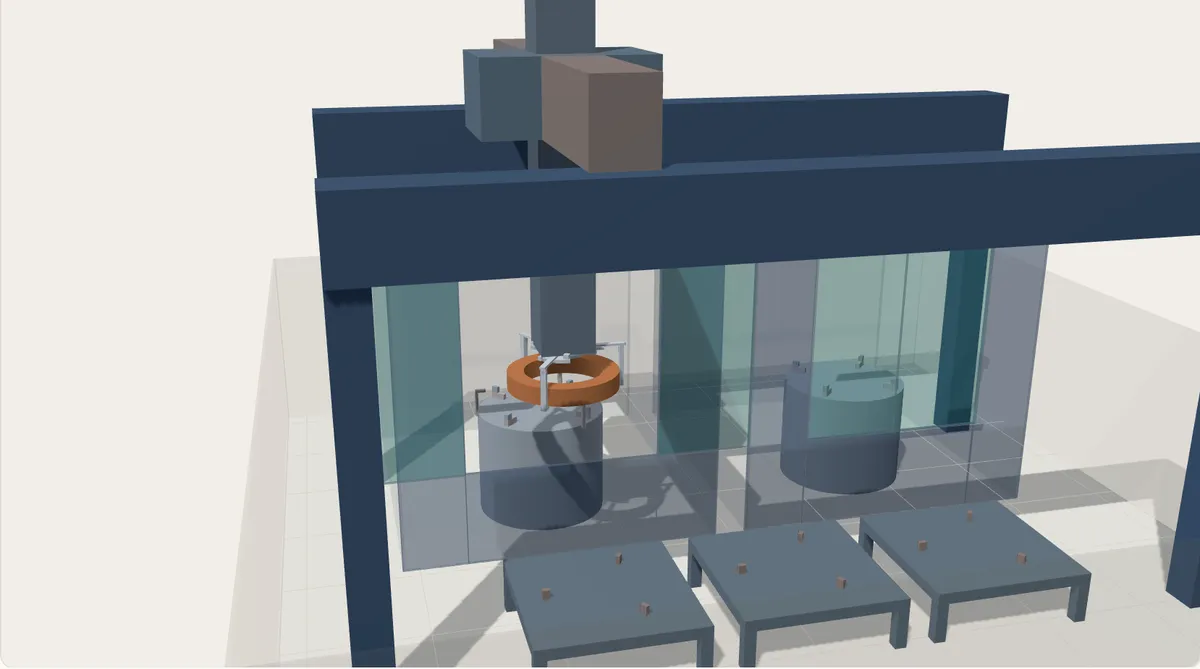
Loading and unloading for vertical lathes, for parts up to 500 kg: five forms on two kinds of lathe, with recorded runs and strength checks.
Tell us about your machines, parts and what you would like to do.
Or email us at contact@dpintelli.com
Thanks, your message is on its way. We will reply to the contact you gave.
Look up milling, turning, tolerances and inspection in illustrated lessons and demos. No sign-in needed.